Knowledge base
The Knowledge Base holds help articles in one place. Client-facing articles appear in the client portal's help centre. Internal articles are for your team only.
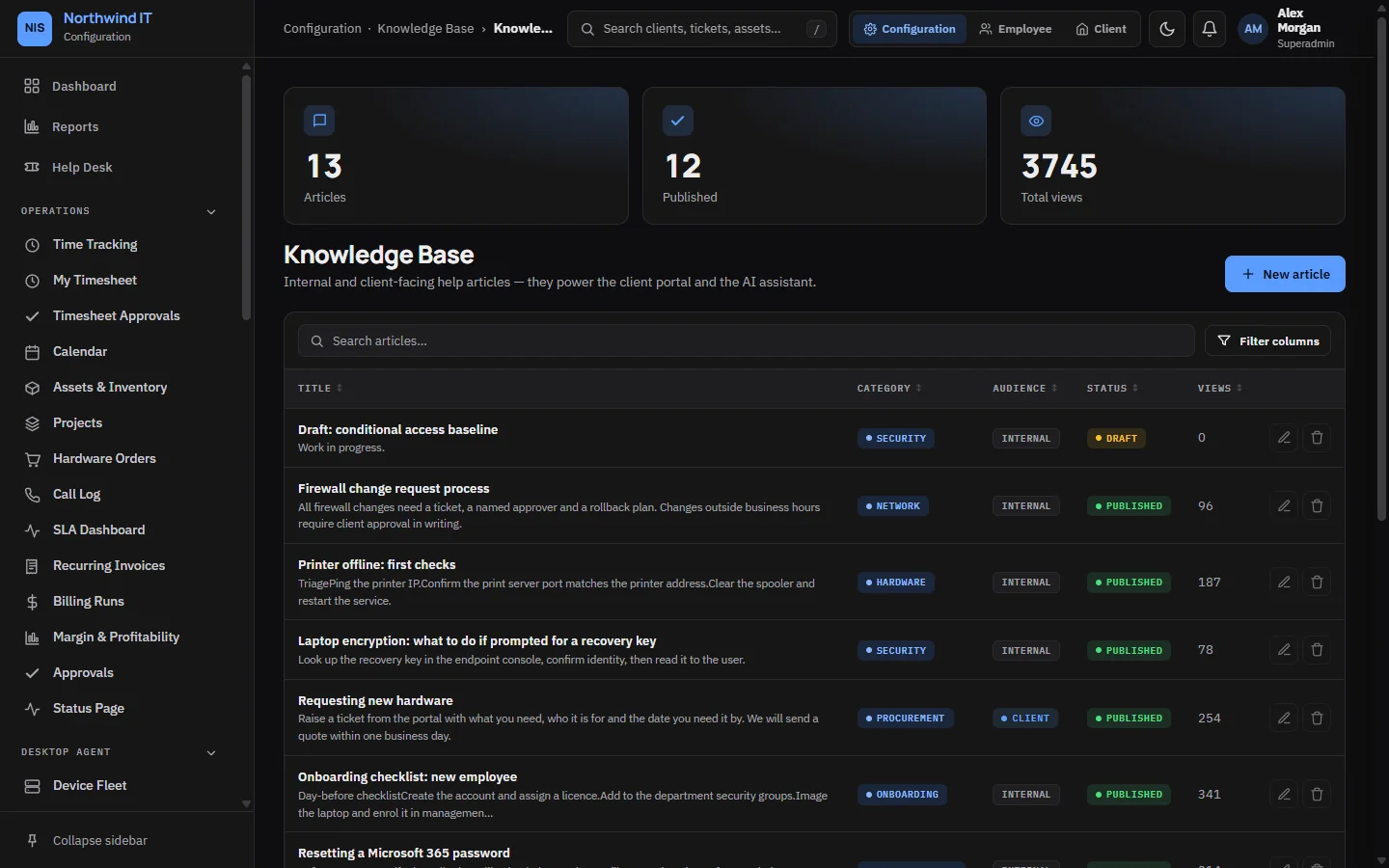
Write an article
- Open Knowledge Base and create an article. Writing needs the Knowledge Base · Author permission.
- Title it as the question a client would type: "Why can't I send email?"
- Choose the category.
- Set the audience: client or internal.
- Write the steps. The editor supports headings, numbered lists, images and Markdown.
- Publish it. Drafts are not shown to anyone outside your team.
What clients see
Clients search the help centre from the portal. Search covers the article text, not just titles. The most-read articles are listed first once people start reading them, and clients can say whether an article helped.
Keep it current
- One article, one task. "Everything about email" helps nobody.
- Write the article when the third identical ticket comes in.
- Give each article an owner. A wrong article does more harm than a missing one, because people trust it.
- Each quarter, check the most-read articles are still true, then write articles for the top ticket subjects that have none.
The Draft KB article tool turns a resolved ticket into a first draft for you to edit. See AI triage and assist.