My Day
My Day is the technician's shift view. It answers three questions on one screen sized for a phone: what is booked today, which of my tickets is closest to breaching, and is a timer still running.
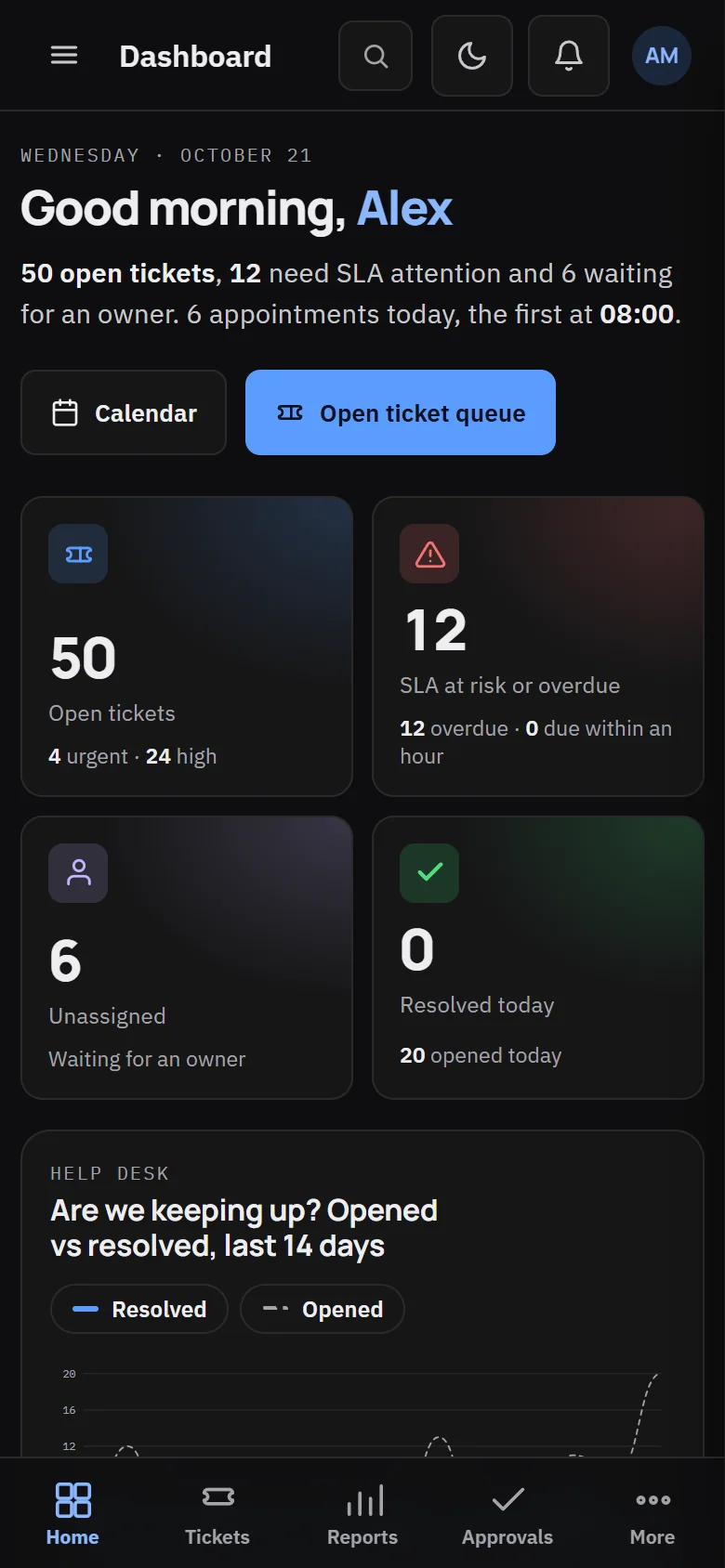
What it shows
| Panel | Contents |
|---|---|
| Jobs today | Bookings and service calls assigned to you, in time order |
| My tickets | Only your tickets, soonest deadline first. Overdue is red, under an hour is amber, and a paused ticket says "On hold" instead of showing a clock |
| Logged today | Minutes booked to time entries today, the same number your timesheet shows |
| Timer bar | A running timer, with a Stop button |
The elapsed time on the timer comes from the server, so a phone with the wrong clock cannot add hours.
My Day loads in one request. It either shows the whole screen or tells you why it could not, never half a page.
Put it on your home screen
My Day is also served as a standalone page with no sidebar and large touch targets. Open it on your phone and use your browser's Add to home screen. It opens like an app, under your portal name.
A start-of-shift routine
- Read the dashboard for anything flagged overnight.
- Clear or convert overnight monitoring alerts. See RMM and monitoring.
- Triage the unassigned inbox.
- Sort your tickets by SLA risk, not age. Update anything at risk before you start new work.
- Check your jobs on the dispatch board and call ahead for the first visit.
- Chase waiting-on-client tickets that have not moved for two working days.
At the end of the shift, log all your time, move unfinished tickets to the right status with a next-step note, and hand over live incidents in the ticket thread.